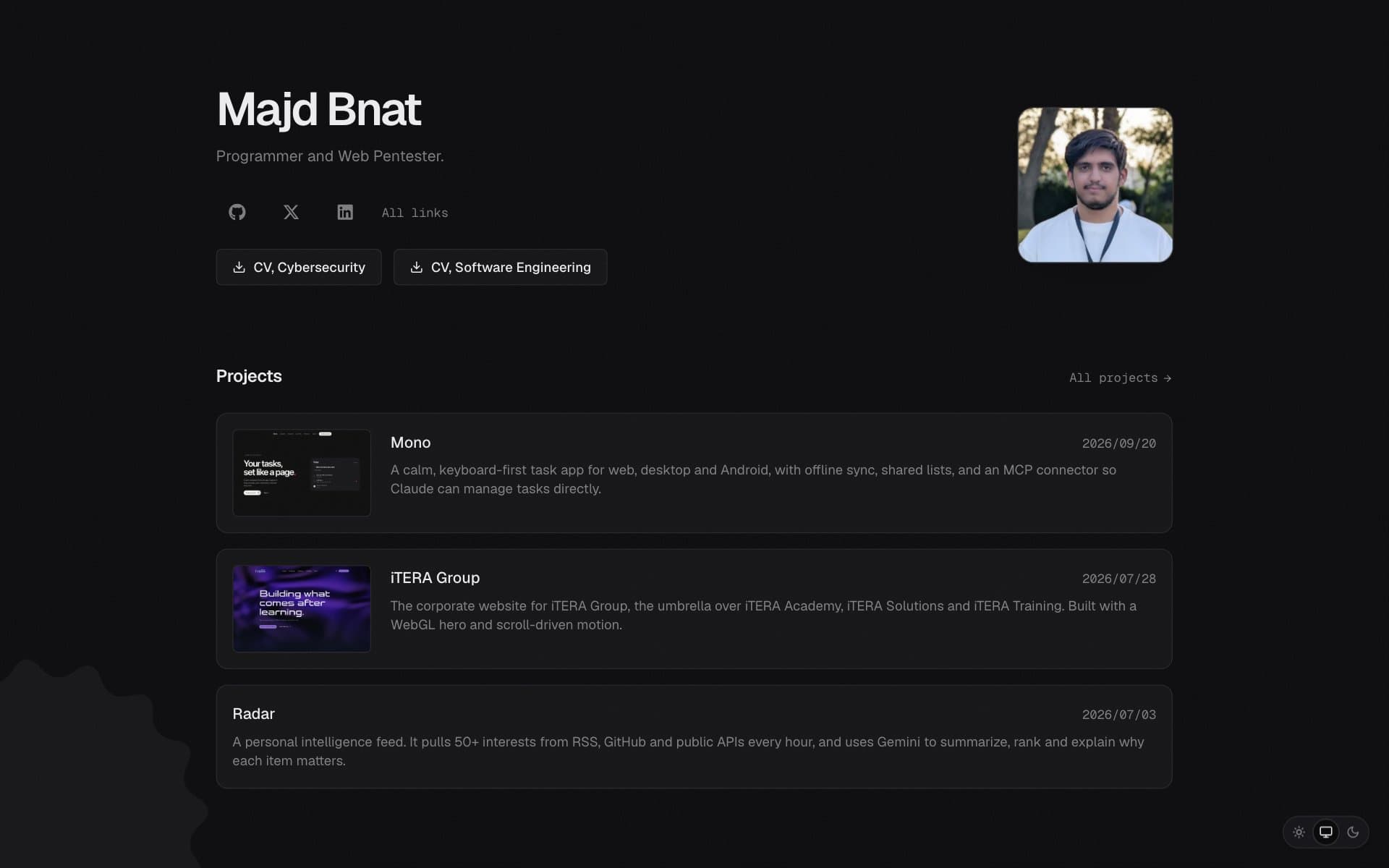
Timeframe: 2025 – present
Context: I needed one place for my writing, my work and my credentials that I fully own and can keep improving.
Problem / Goal: A site that loads fast, is easy to write for, and has enough personality to be memorable.
My Contribution
- Built the site from scratch with the Next.js App Router and MDX content rendered in React Server Components
- Content collections for articles, projects and certifications, read from the filesystem at build time with typed frontmatter
- The Learn Linux in 30 Days article series, with reading time, a table of contents and custom MDX components (code blocks, tables, callouts)
- Per-page Open Graph and Twitter cards with a default fallback, plus a sitemap and robots rules
- Motion details: page transitions, an ASCII decode reveal across the site and an ASCII intro on the home page
- Light and dark themes that follow the system, with a manual switch
- Downloadable CVs for software engineering and cybersecurity
Approach & Tech: Next.js, TypeScript, MDX, Tailwind CSS, Framer Motion, and next/font with Geist.
Use it for your own site
An earlier version of this site is open source under the MIT license at github.com/glorybnat/majdb-site. You can fork it and use it for your own portfolio or blog. Put your posts in content/articles and your projects in content/projects as MDX files, change your name and links in src/config/site.ts, and deploy. No database or CMS is needed.
git clone https://github.com/glorybnat/majdb-site.git
cd majdb-site
npm install
npm run dev
A credit or a link back is appreciated but not required.
A walk through the site
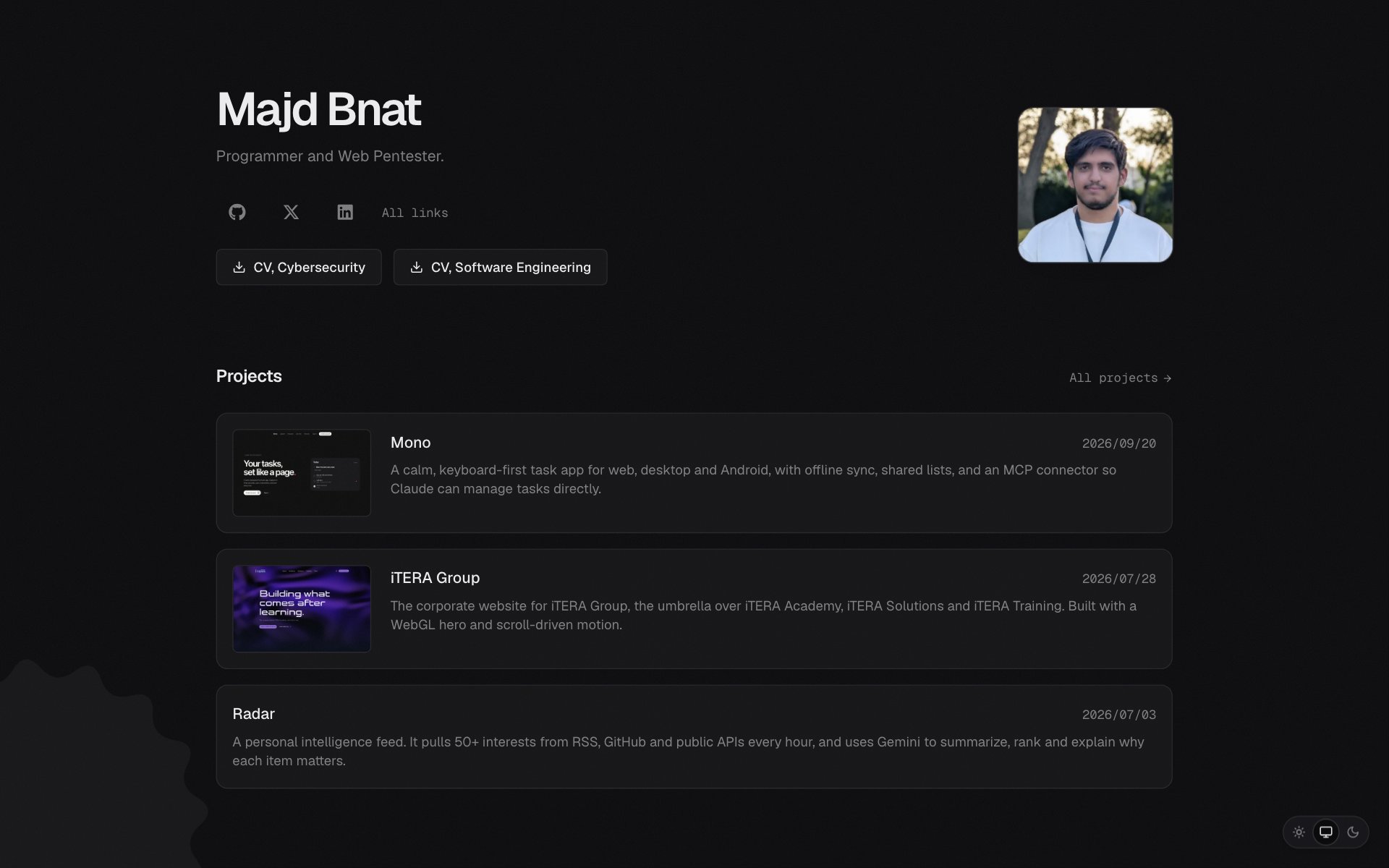 The home page: a short intro, the CVs, and the latest projects.
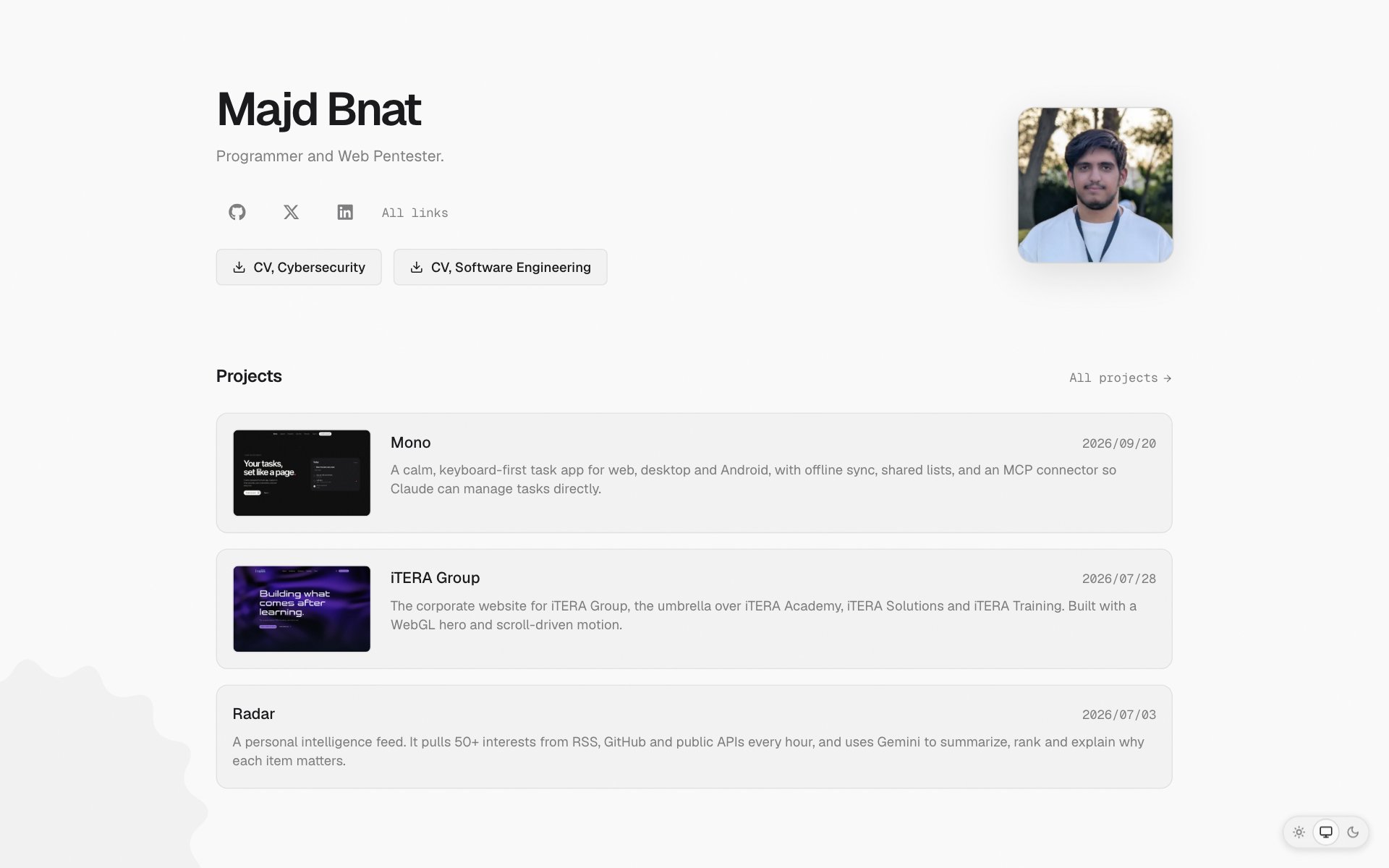 The same page in light mode. The theme follows your system, and you can switch it from the bottom corner.
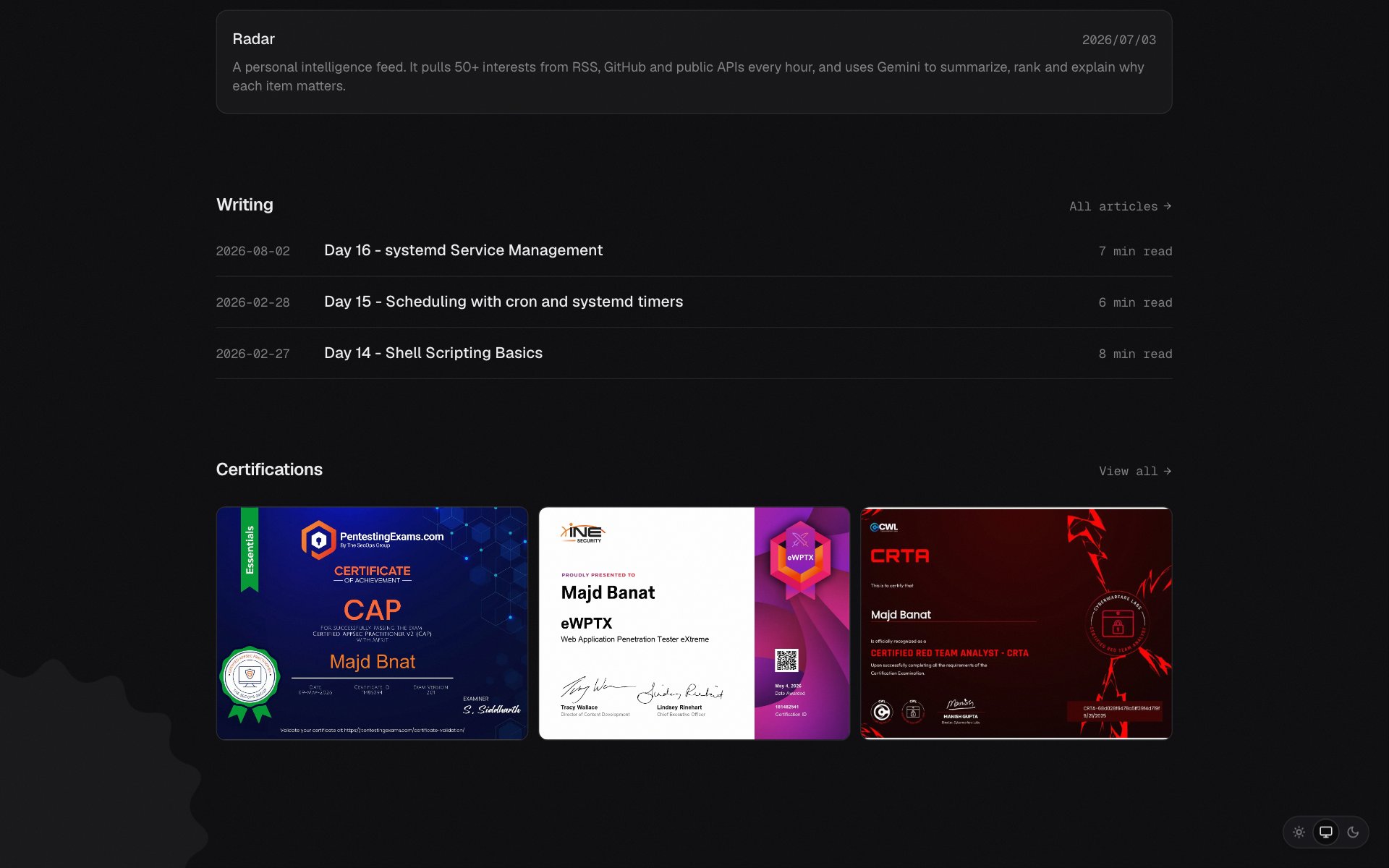 Further down: the newest articles and certifications.
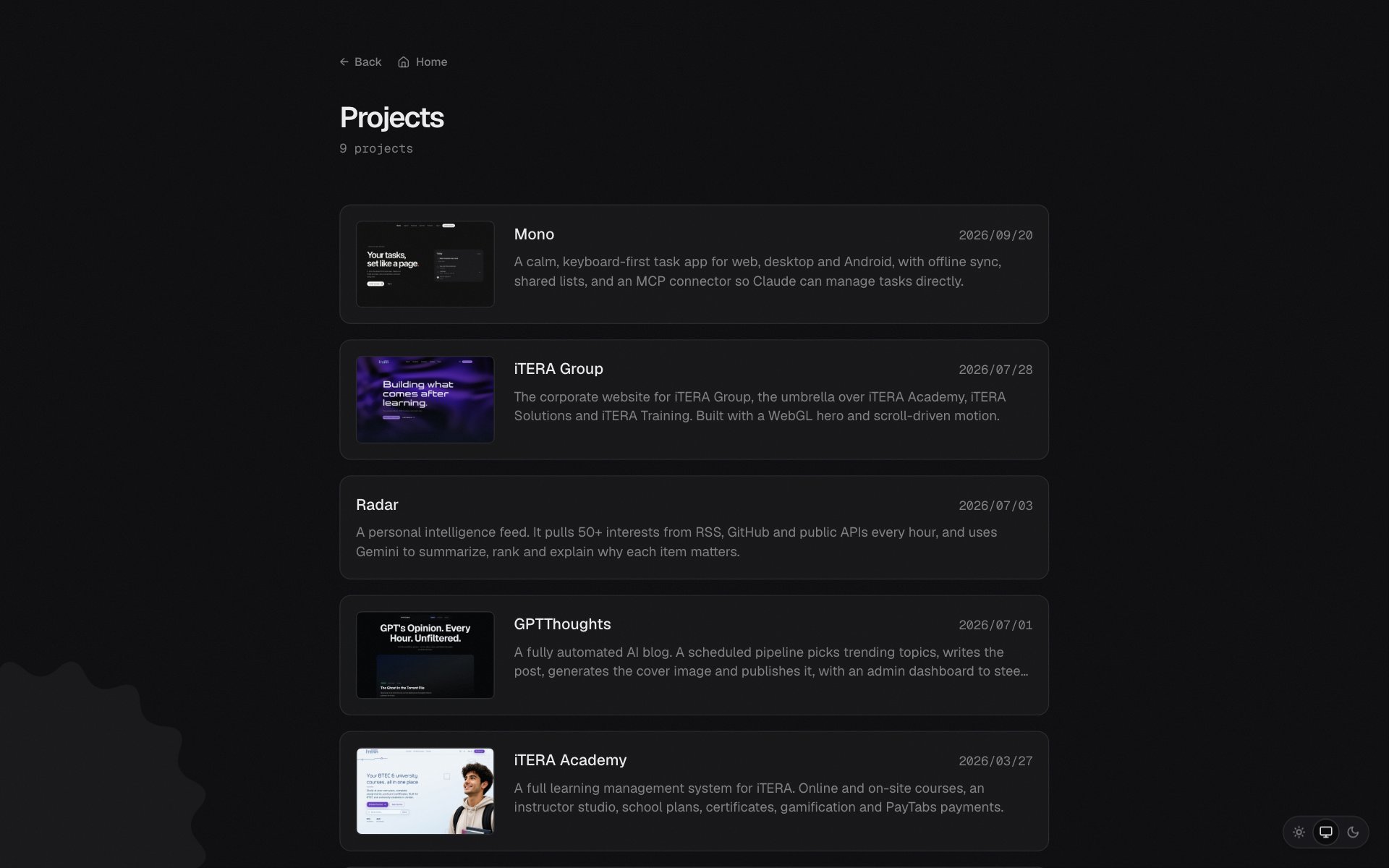 Every project with a thumbnail, a date and one line on what it is.
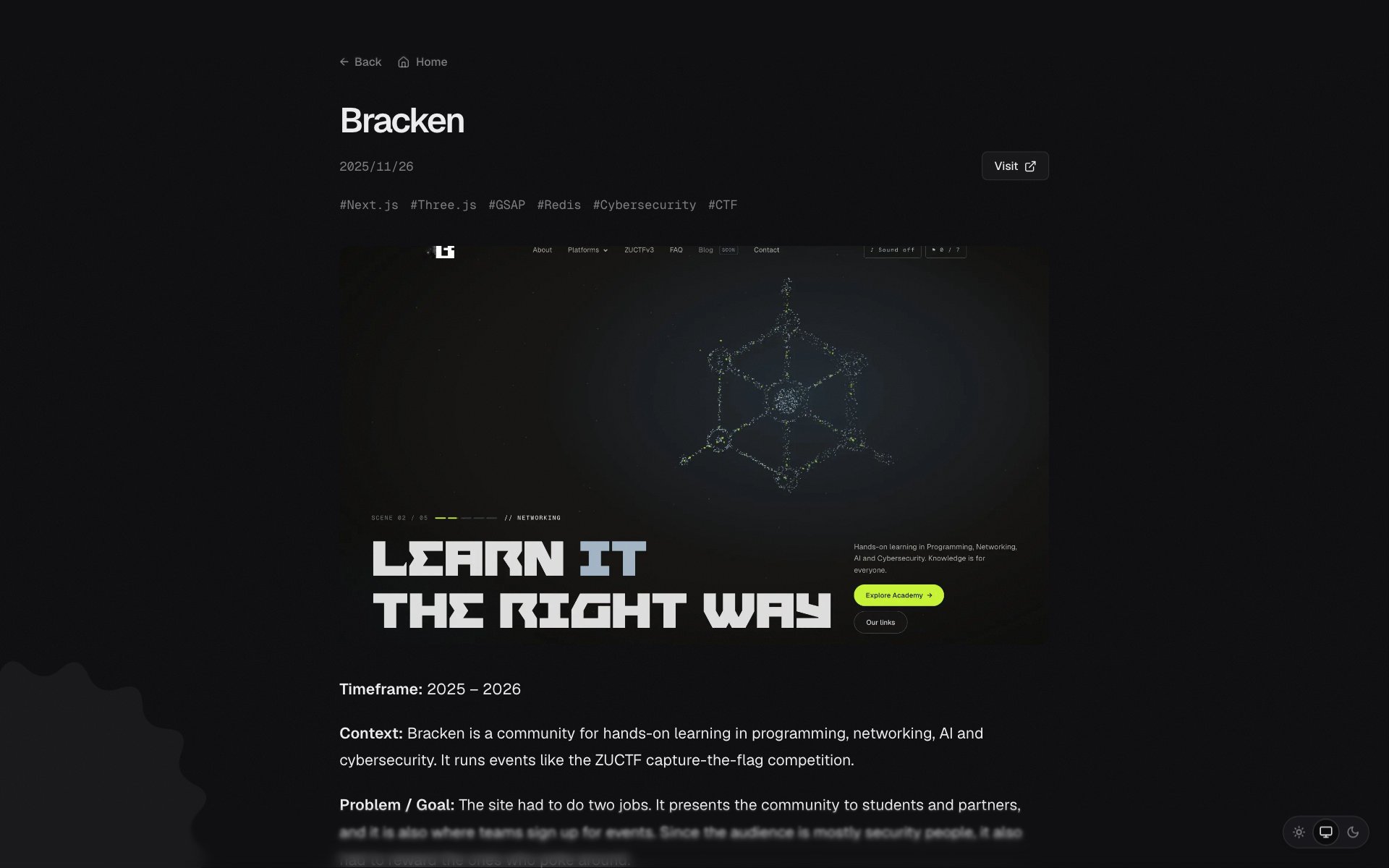 A project page. The same layout is used for every project, including this one.
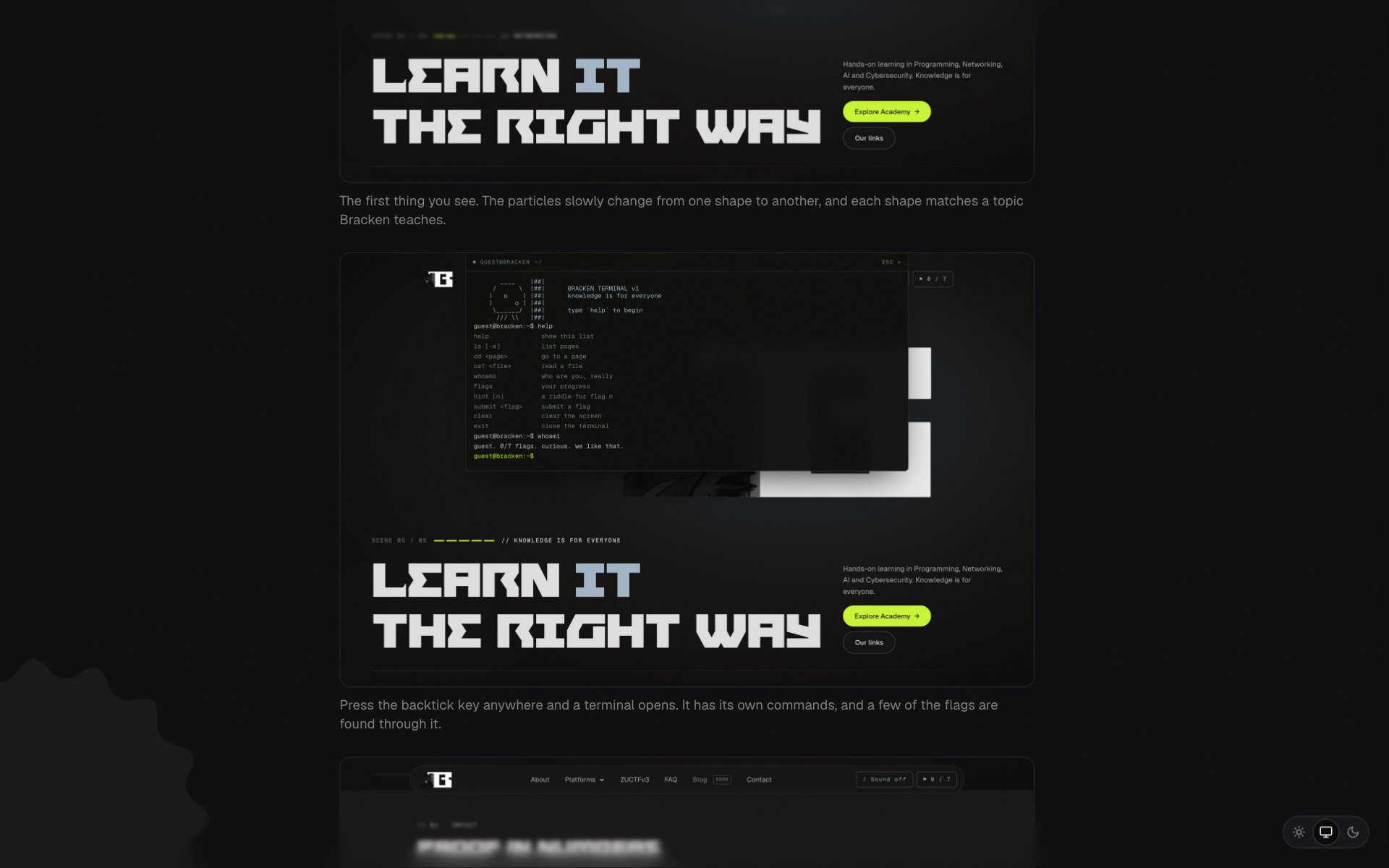 Images in a page can have captions, like the ones on this page.
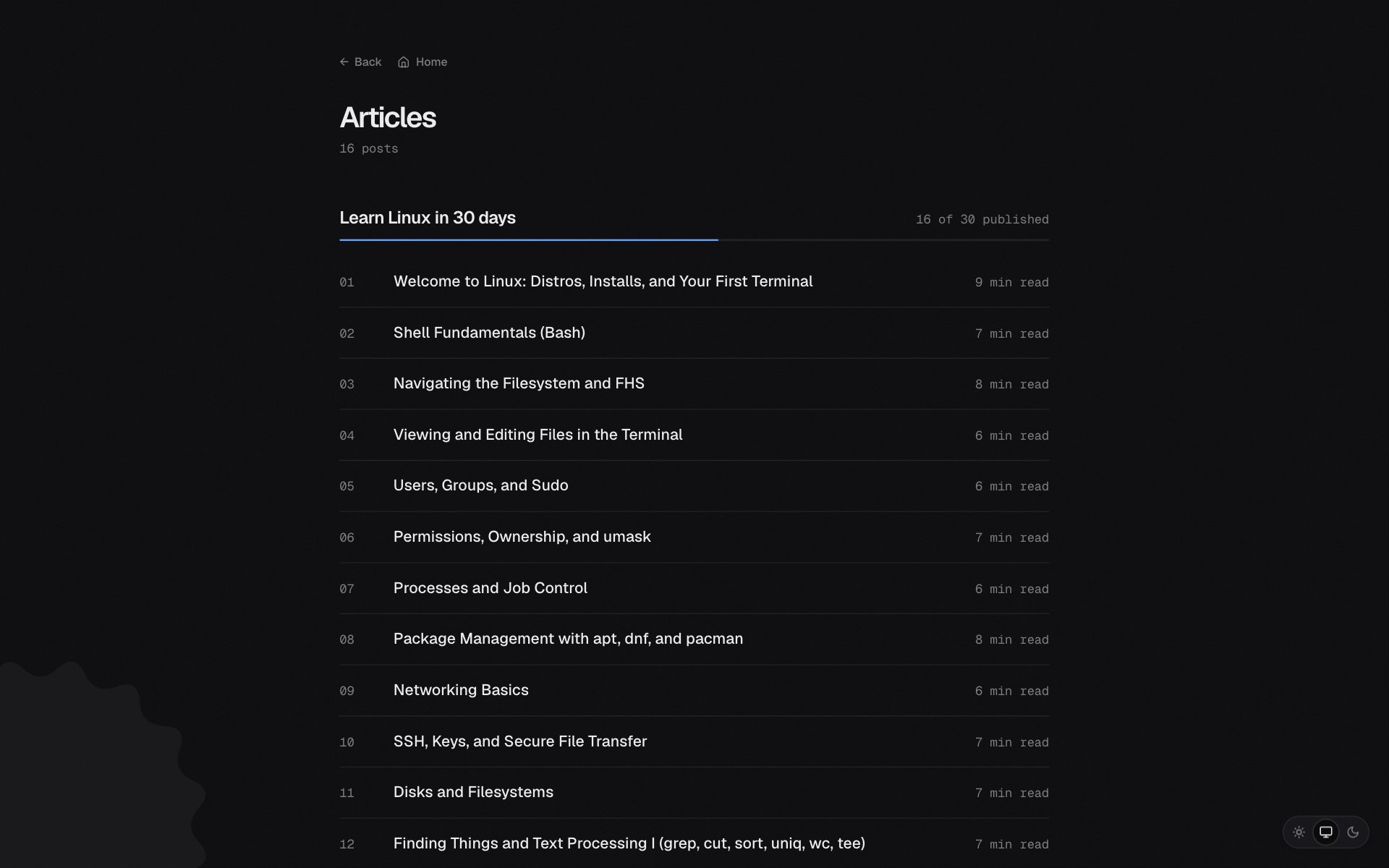 Articles, with the Linux series grouped and numbered in order.
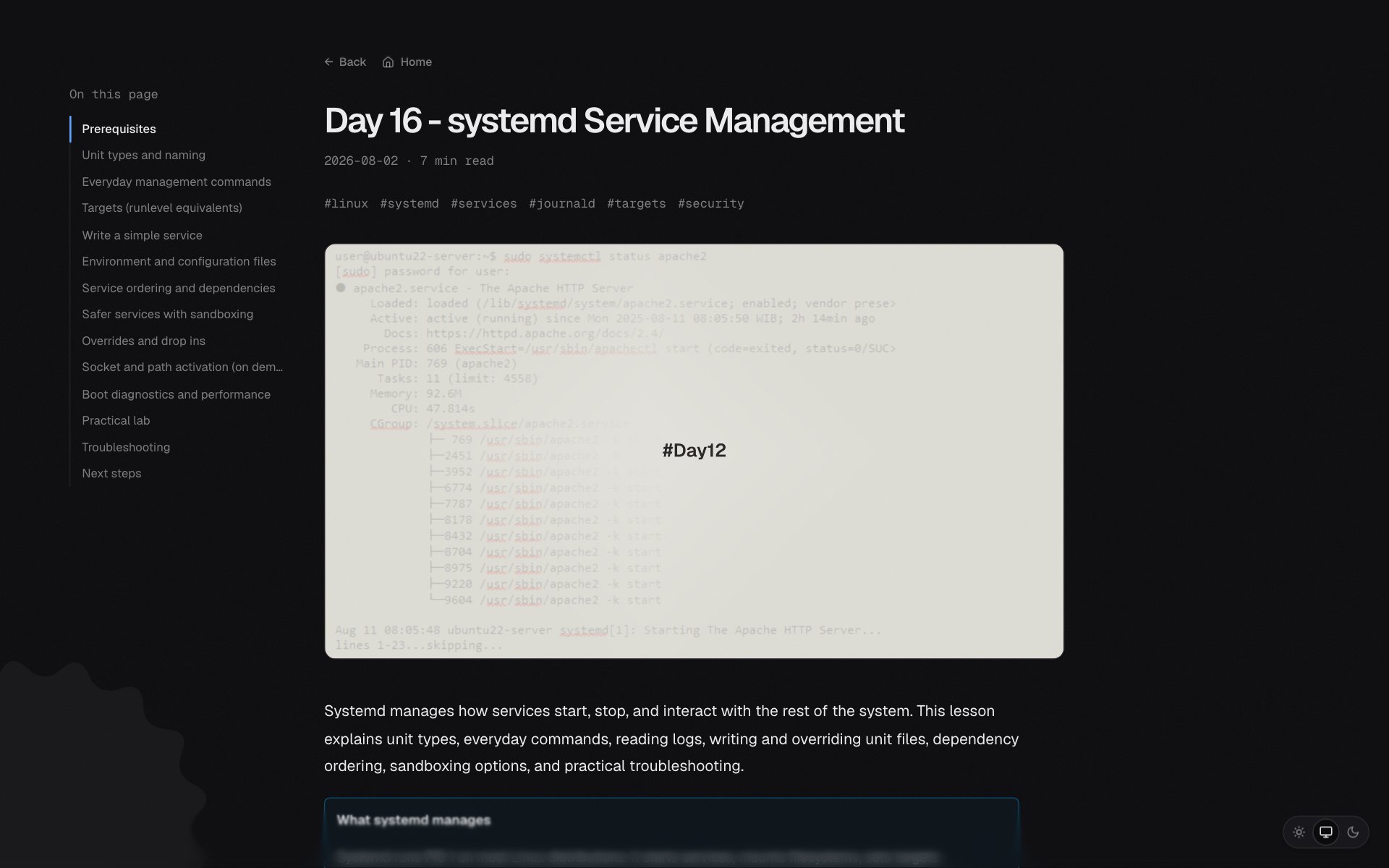 An article page. The table of contents on the left follows you as you read.
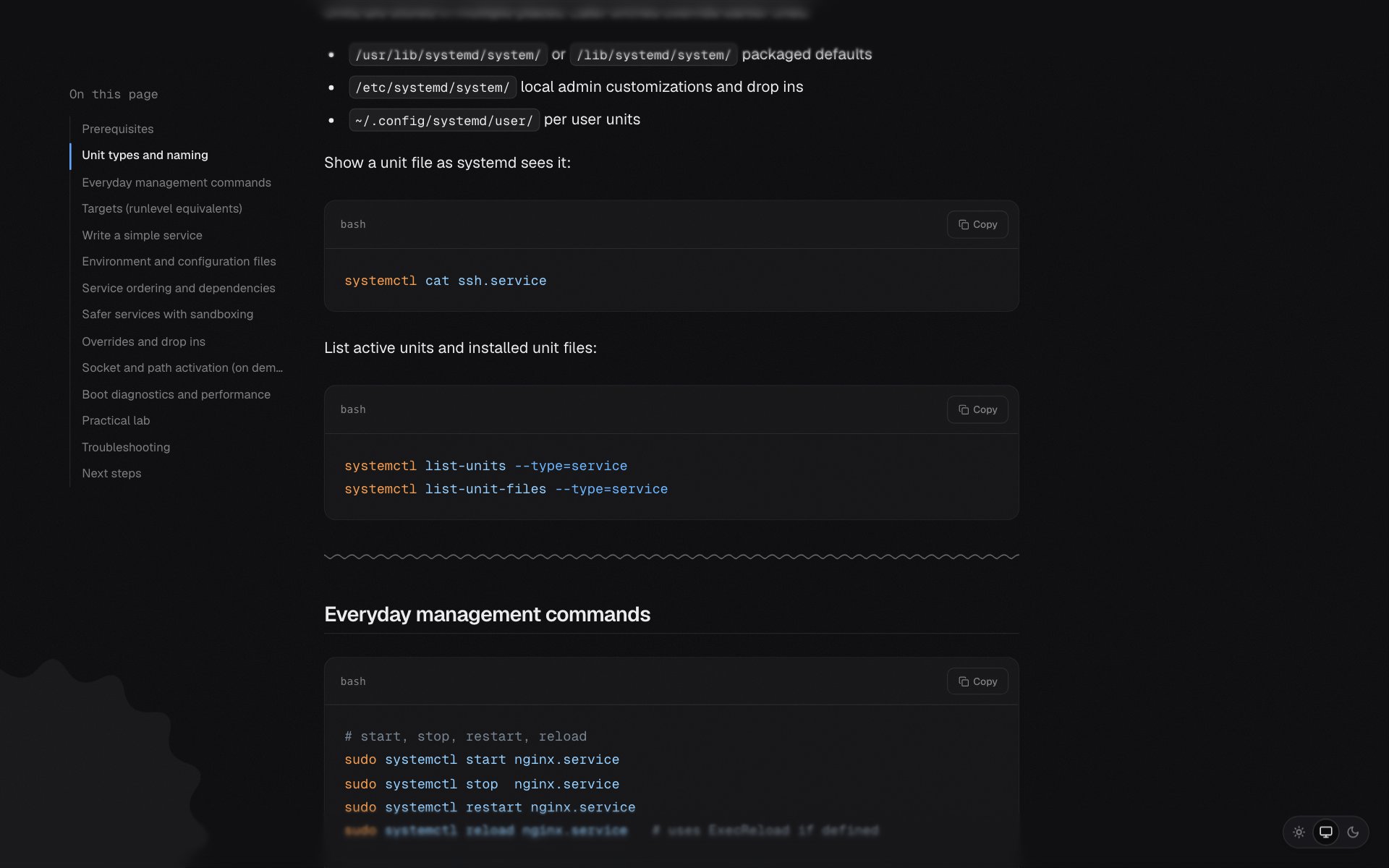 Code blocks are highlighted for both themes and have a copy button.
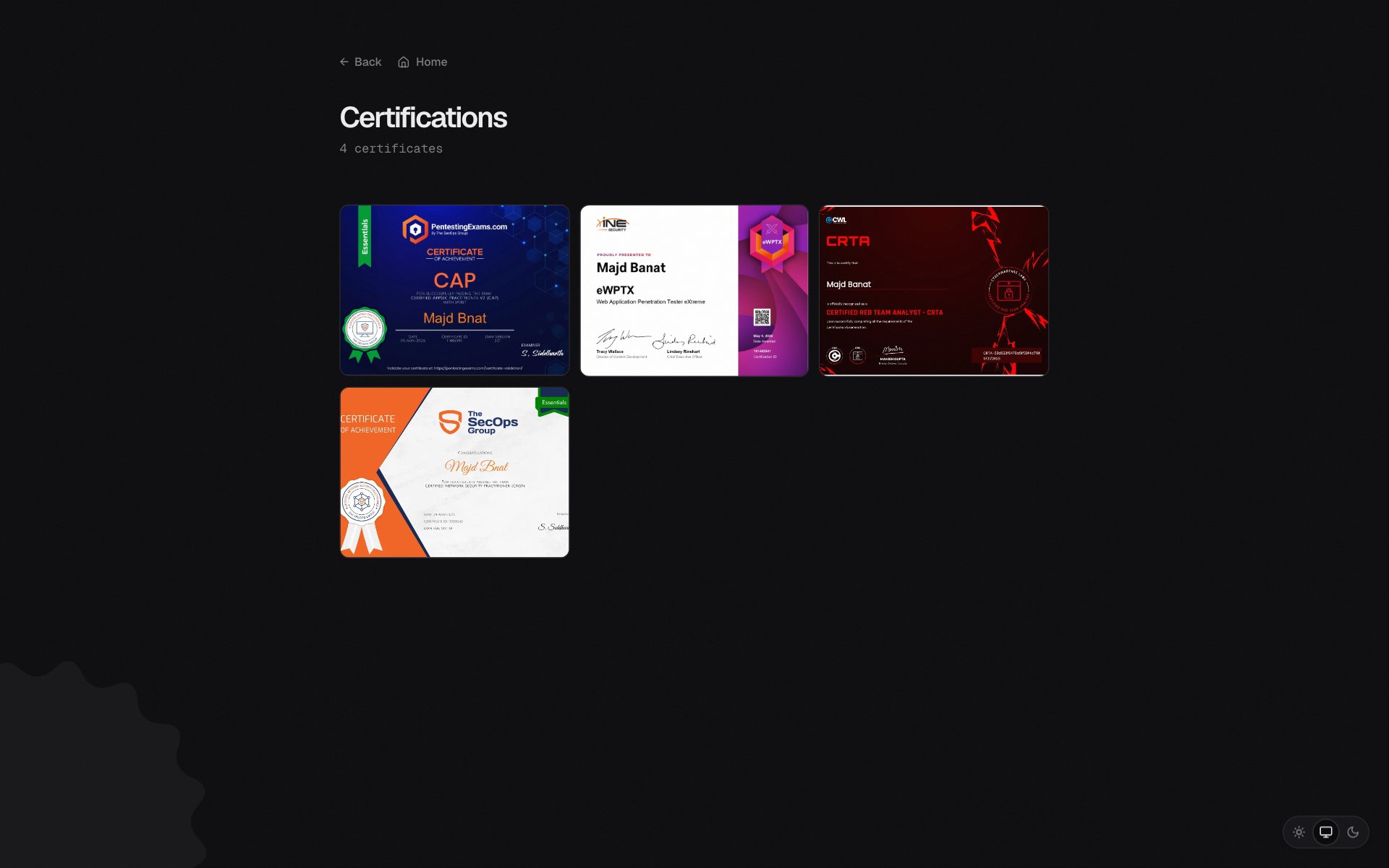 Certifications. Click one to open it larger, with a link to verify it.
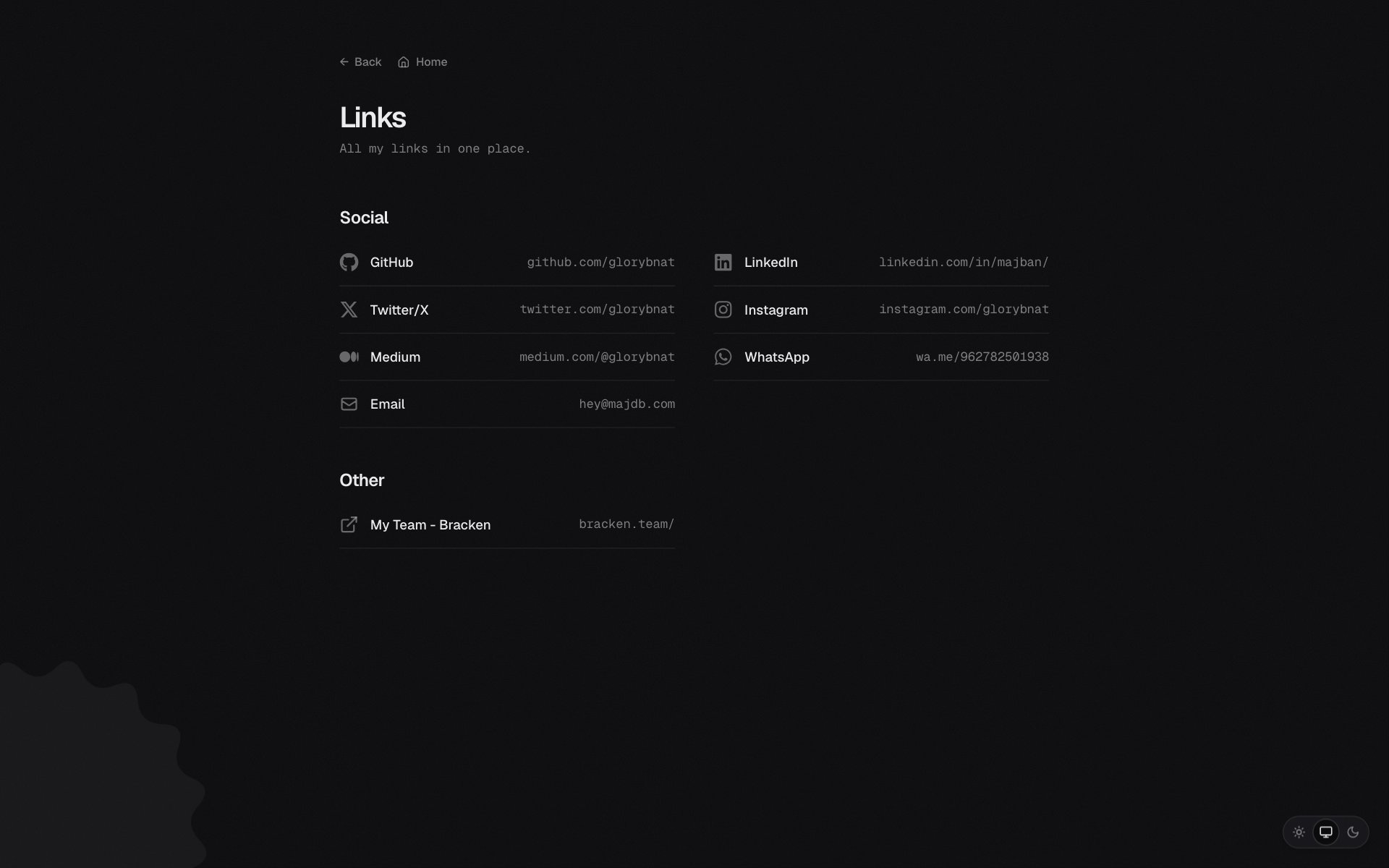 Every link in one place.
Outcome / Impact: The home for everything I publish, including this page.
What I Learned:
- Plain files and build-time parsing are hard to beat for a personal site
- Small, deliberate animations give a minimal site its character